 Unblocked Games
Own files
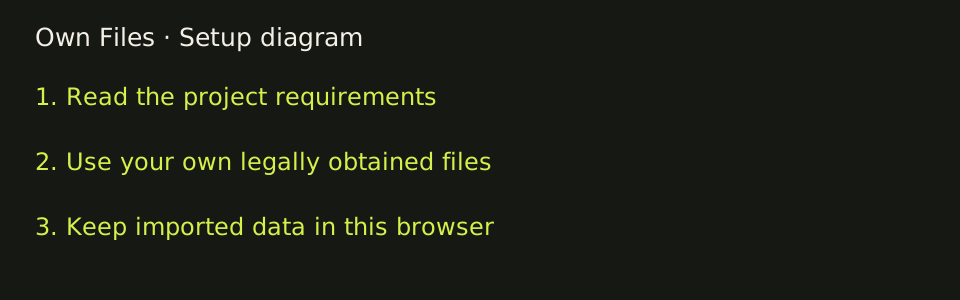
Some browser projects ship their own data. Others will not start until you provide a disc image or archive you already have the right to use. We do not host discs, ROMs, game archives, or launchers, and it does not decide whether your copy is lawful.
- Browser access
- Use the project’s own browser entry.
- Installation
- No separate desktop launcher is recommended here.
- Last checked
- File requirements
- Check each destination before supplying game data.
- Sources
- hcemobile.com · joncodeofficial.github.io
Confirmed: you bring the files
Halo CE Mobile requires your own Halo: Combat Evolved Xbox .iso or .xiso. The page copies the maps folder, up to 1.8 GB, into local storage and says nothing is uploaded. Continue in the browser is available. Home-screen install is optional, not a required launcher. Campaign, split screen, and System Link do not need the online account. Online play does ask you to sign in.
GTA Vice City imports game.tar.gz into OPFS. Use an archive you legally obtained. This directory does not offer that file. The page says the game works offline after the first import. Private or incognito storage may not keep it.
The skate. 3 page calls itself a fan game and says data streams from your own converted copy. It is not advertised here as the complete original console game.
The project loads its own data
A large first download is not the same requirement. Return to Castle Wolfenstein and Urban Terror cache the project’s own data. PES 6’s FAQ says you can open the page without a download, and a setting can fetch about 300 MB of its data while you play. Surfd says no download. QuakeWorld and Quake II say no install and do not ask for a file on the entry form.
Requirements not confirmed
Diablo Web’s metadata mentions a shareware demo and your own DIABDAT.MPQ, but the entry body is only a script root, so the file step is not confirmed. The Pixelsuft Half-Life shell and the WebXash shell load scripts and do not show a file picker. The Simpsons: Hit & Run WASM page and the Quake III entry form also do not show one. Those entries stay “own files unknown” until a real UI says otherwise.
Addresses that did not open are listed under access pending. Their file needs are unknown because the pages were not read.
Before you start
Start with the exact file name and format printed by the project. Halo CE Mobile names Xbox .iso or .xiso images. Vice City names game.tar.gz. The skate fan project describes a converted copy. These are different requirements, so a file prepared for one entry is not automatically suitable for another. Renaming a file does not convert its contents into a supported format. If the destination provides conversion instructions, read them before preparing your own copy; this directory does not supply commercial game data or recommend download sites for it.
The own-files filter identifies a confirmed local-file requirement, not a promise that every other entry contains a complete game. A label of “own files unknown” means the visible entry did not settle that question. A script shell can load successfully without revealing what happens later in the setup process. Read the destination before selecting any local file, and keep account questions separate from file questions: Halo’s optional online sign-in and its mandatory disc image are different steps.
For browser imports, review the project’s storage explanation before using a private window or clearing site data. Halo CE Mobile says the maps copy stays local and may occupy up to 1.8 GB. Vice City describes OPFS and an offline state after import. Those statements refer to each project’s browser storage, not a cloud library maintained here. Keep the original files you are entitled to use; importing data into a browser is not a replacement for retaining your copy. If a project unexpectedly insists on an external launcher, choose another browser entry from the directory.